
How To Install
How to Install Coco Flix
Follow the simple installation steps below to download and start using Coco Flix on your device within minutes.
Installation Guide for Android
This app is 100% secure and build with latest technology and virus free.
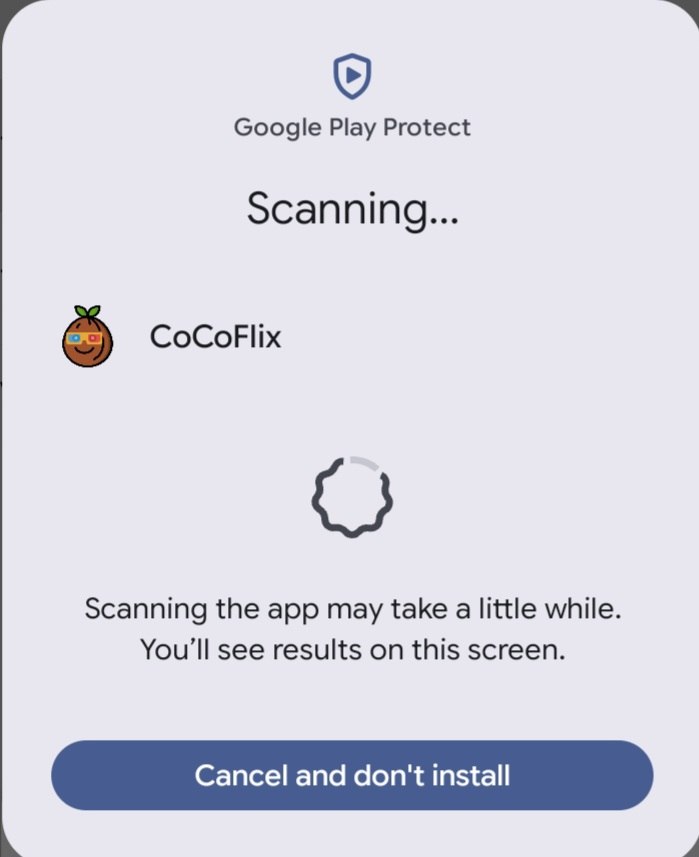
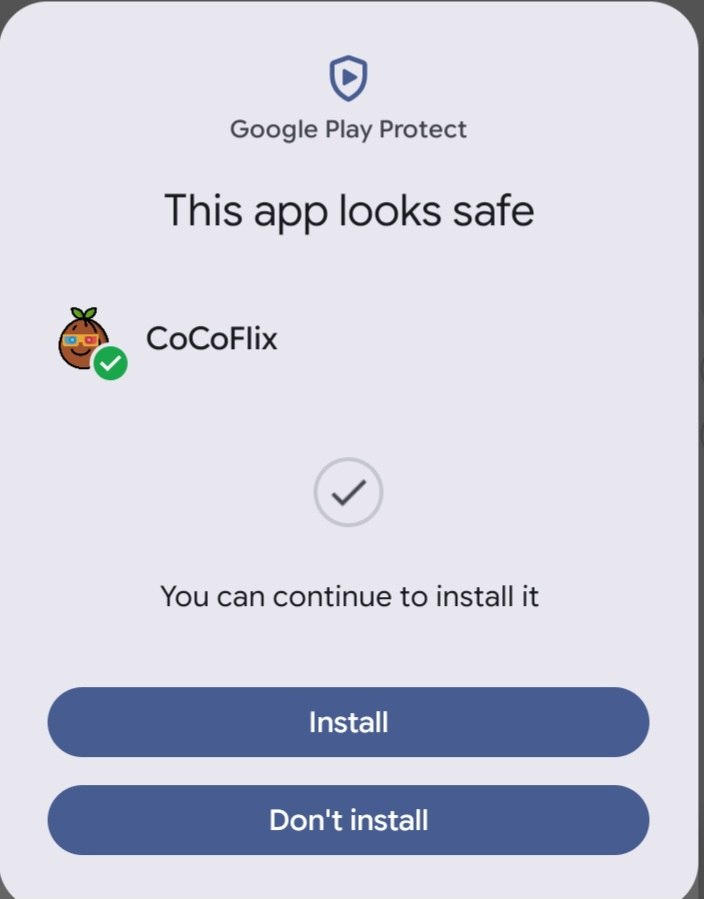
Step 1: Download the APK File
Click the download button on our website and wait for the Coco Flix APK file to complete downloading on your Android device before proceeding to the installation process.
Step 2: Enable Unknown Sources
Open your device settings and allow installations from unknown sources to ensure the Coco Flix APK can be installed successfully without any restrictions. Disable Android Auto Blocker for smooth installation.
Step 3: Locate the Downloaded File
Open your Downloads folder or File Manager application and locate the downloaded Coco Flix APK file that is ready for installation.
Step 4: Install the Application
Tap the downloaded APK file and select Install to begin the setup process, then wait for Coco Flix to finish installing. if showing any error please click on Install anyways
Installation Guide for Smart TV
Step 1: Download the TV Version
Download the Coco Flix TV APK from our website and save the file on your Smart TV or transfer it from another device.
STEP 2: ENABLE UNKNOWN SOURCES
Navigate to your Smart TV settings and enable installations from unknown sources so third-party applications can be installed properly.
STEP 3: FIND THE APK FILE
Open your TV file manager and locate the downloaded Coco Flix APK file stored in your device's download directory.
STEP 4: INSTALL AND START WATCHING
Select the APK file, complete the installation process, and launch Coco Flix to enjoy your favorite entertainment content.
Is Coco Flix free to install?
Yes, downloading and installing Coco Flix is simple and takes only a few minutes.
Is the installation process safe?
Follow the instructions provided on this page and download the application directly from the official Coco Flix website.
Which devices are supported?
Coco Flix supports Android smartphones, tablets, Android TV devices, Smart TVs, Firestick, and other compatible streaming devices.
Need Help?
If you experience any installation issues or need assistance, visit our Contact Us page or reach out to our support team for help.